The 2026/27 season is closing in as we welcome Bath and Bristol to the CorpAcq Stadium in the opening month of the season.
With the excitement of a new season comes the anticipation of getting your Season Ticket ready — and we’re here to make sure you have everything you need ahead of the big kick-off.
If you’ve requested a physical Season Ticket, don’t worry — yours will either be with you already or on its way!
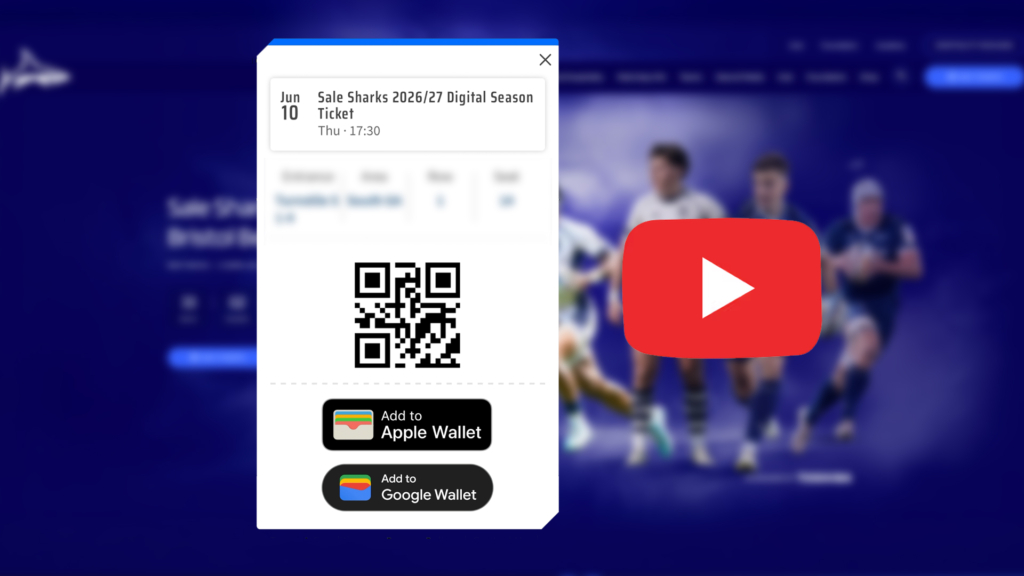
For those using a digital Season Ticket who haven’t received it yet, there’s a simple way to add it to your wallet and get matchday ready.
Please follow the steps below to activate your digital Season Ticket, or follow the link to watch our instructional video for a step-by-step guide on how to receive it.
On behalf of everyone at Sale Sharks, thank you for your unwavering support. We can’t wait to see you back at the CorpAcq in 2026/27!

Step-by-step instructions
- Click on ‘Tickets’ on the club’s website
- Click the icon in the top corner of the club’s e-ticketing site to access your account
- Login into your Sharks account
- Once logged in, click on the icon in the top corner once again
- From the drop-down menu, click on ‘View Account Menu’ and then under ‘Ticketing’, select ‘Digital Passes’
- In this section, you will see all of the games available to purchase, but scroll to the bottom to access your ‘2026/27 Digital Season Ticket’
- Click ‘Show Details’ and then ‘View Ticket’
- From here, you add the Digital Season Ticket to your Google/Apple wallet
*This must be done on a mobile device, and not on a desktop/tablet*